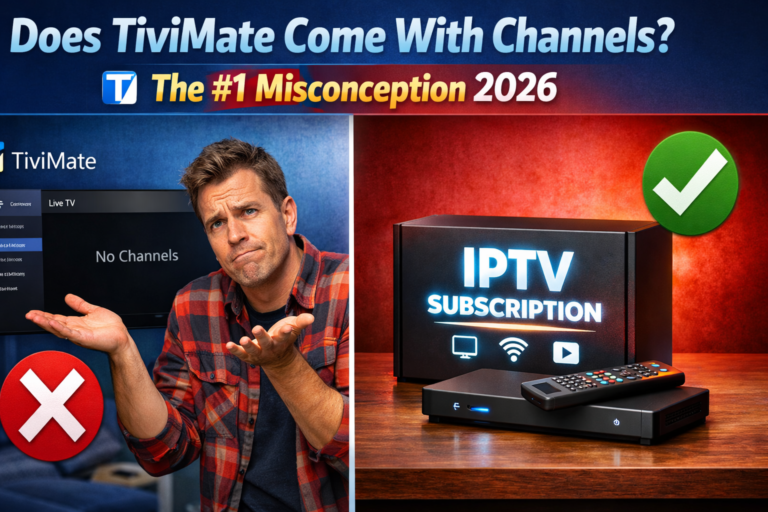
Does TiviMate come with channels already loaded and ready to watch? This is the single most common question new users ask and the source of massive confusion for thousands of people who install the app expecting to see channels immediately.
The short answer: No. TiviMate does NOT come with any pre-installed channels.
But understanding WHY will save you hours of frustration and help you set up TiviMate correctly from day one. Let me explain exactly how TiviMate works and what you actually need to start streaming.
Table of Contents
The #1 Misconception About TiviMate
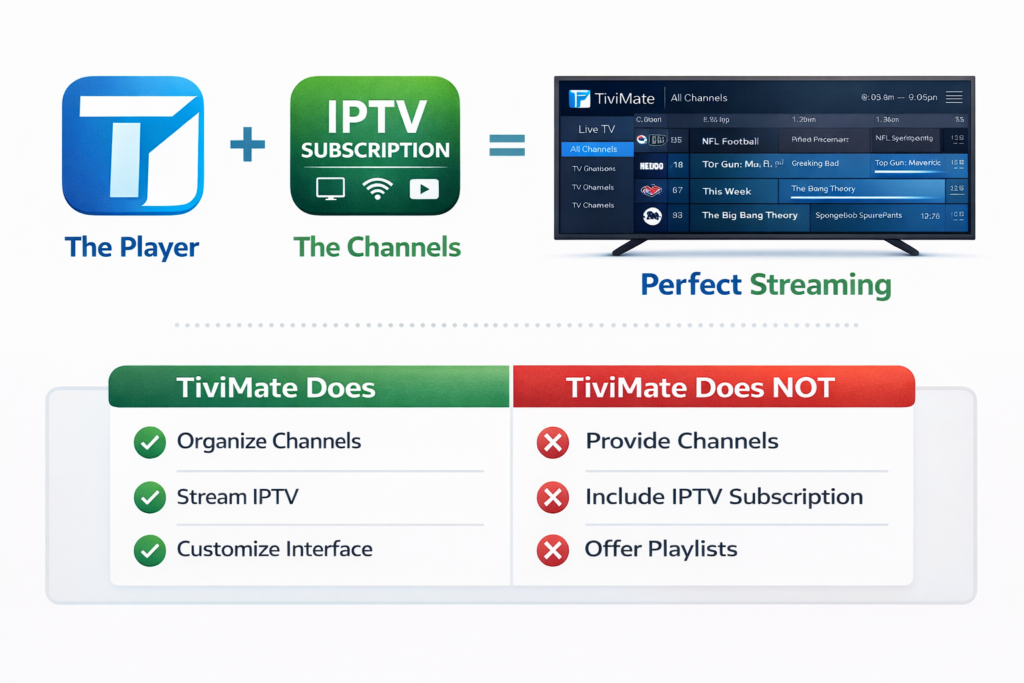
Every week, thousands of users install TiviMate on their Fire TV Stick or Android box, open the app for the first time, and see this message:
“To watch TV channels, add a playlist from your IPTV service provider.”
Confusion sets in immediately. Many feel misled, thinking they paid for something that doesn’t work. Some leave one-star reviews saying the app is broken. Others spend hours searching for a hidden channel menu that simply doesn’t exist.
Here’s the truth: TiviMate is a player, not a channel provider. It never was and never will be a source of channels on its own.
Think of it like this — TiviMate is the TV screen. Your IPTV subscription is the cable connection. Without the cable, the screen is blank. Both pieces are required before anything plays.
This misconception is so widespread that it’s worth dedicating an entire article to clearing it up permanently.
What TiviMate Actually Is
TiviMate is a media player application built specifically for IPTV streaming on Android-based devices. Its job is to take your IPTV playlist and present it in a beautiful, easy-to-navigate interface similar to how a cable TV guide looks, but powered entirely by the internet.
What TiviMate DOES:
- Reads and organizes your IPTV channel list
- Displays a full Electronic Program Guide (EPG)
- Plays live streams from your IPTV provider
- Manages recordings, favorites, and categories
- Works with M3U playlists and Xtream Codes API
What TiviMate does NOT do:
- Provide channels, movies, or live TV content
- Sell or include any IPTV subscription
- Store any video content on your device
- Work as a standalone streaming service like Netflix
TiviMate is the interface. Your IPTV service is the content. You need both.
Why Do So Many People Think TiviMate Has Channels?
This misconception happens for several understandable reasons that trip up new IPTV users constantly.
Marketing confusion: Some websites and resellers advertise “TiviMate with channels” as a bundle deal. In reality, they’re selling an IPTV subscription alongside TiviMate setup help two separate products packaged together.
Similarity to streaming apps: Netflix, Disney+, and Amazon Prime come with content built-in. Users naturally assume TiviMate works the same way. It doesn’t IPTV players operate on a completely different model where the player and content are always separate.
The app looks premium: TiviMate’s polished, professional interface looks like an expensive TV service. That quality appearance suggests it should include content, but it’s purely a navigation and playback tool.
YouTube and social media videos: Many setup tutorials skip over the “get an IPTV subscription first” step, jumping straight to adding playlists. New viewers miss this crucial prerequisite entirely.
Understanding these reasons helps explain why you’re not alone in this confusion it trips up even tech-savvy users their first time.
What You Actually Need to Watch Channels on TiviMate
To start streaming channels through TiviMate, you need exactly two things working together:
1. TiviMate App (Free or Premium) Download from Google Play Store on Android TV or sideload via the Downloader app on Firestick. The free version works for basic use, though TiviMate Premium unlocks recording, multiple playlists, and advanced EPG features worth having.
2. An Active IPTV Subscription This is the piece that provides your actual channels. Your IPTV provider sends you either:
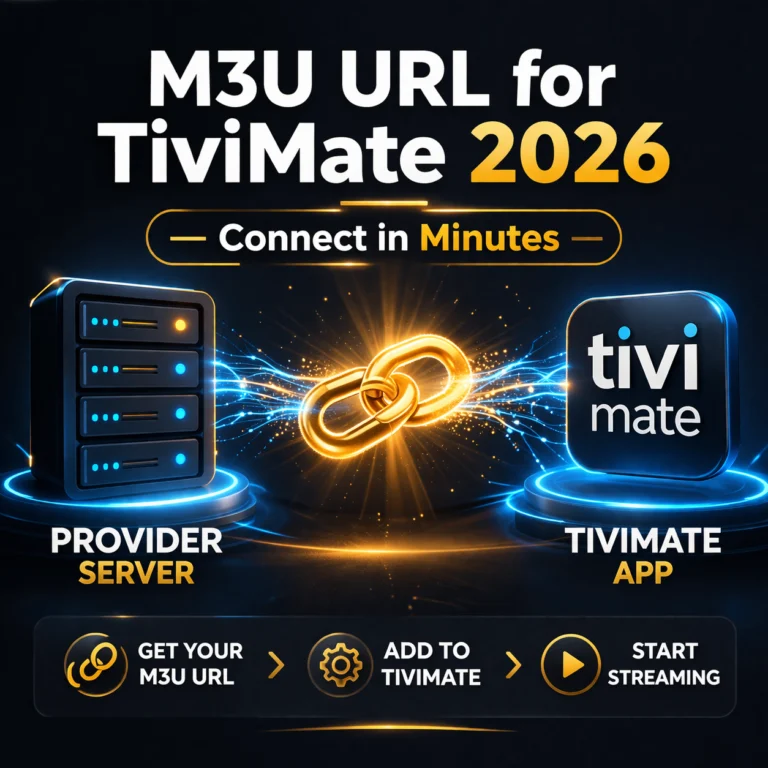
- An M3U URL — a web link containing your full channel list
- Xtream Codes credentials — a server URL, username, and password
- A Stalker Portal — MAC address-based connection
Once you have both pieces, the full setup takes under five minutes and you’ll have access to thousands of live channels.
TiviMate vs Netflix: The Clearest Comparison
The easiest way to understand TiviMate’s role is comparing it directly with apps people already use daily.
Netflix = Content provider AND player combined. One subscription gives you both the app and the shows. You pay Netflix, Netflix gives you everything.
TiviMate = Player ONLY. You bring your own content through a completely separate IPTV subscription. You pay for TiviMate separately from your IPTV service.
Another analogy that works perfectly:
Spotify = Music provider AND player combined.
VLC Player = Player only. You add your own music files — Spotify doesn’t come inside VLC.
TiviMate belongs in the same category as VLC — a powerful, dedicated player that requires you to supply the content source. The key difference is TiviMate is specifically optimized for live IPTV streaming with professional EPG, recording, and channel management that general players completely lack.
Once this distinction clicks, everything about TiviMate makes perfect sense. The IPTV player guide 2026 covers this full ecosystem if you want to go deeper into how IPTV works.
How to Add Channels to TiviMate in 5 Minutes
Once you have your IPTV subscription credentials from your provider, getting channels into TiviMate is fast and straightforward.
Using an M3U URL:
- Open TiviMate and select Add Playlist
- Choose M3U Playlist
- Paste your M3U URL exactly as your provider sent it
- Tap Next and wait 30–60 seconds for channels to load
- Add your EPG URL in the next screen if your provider supplied one
Using Xtream Codes:
- Open TiviMate and select Add Playlist
- Choose Xtream Codes API
- Enter your Server URL, Username, and Password
- Tap Next — channels and EPG populate automatically
That’s the entire process. TiviMate handles all the organization automatically — sorting channels into categories, loading program guide data, and building the full browsing interface. For a complete visual walkthrough, my guide on installing TiviMate on Firestick and Android TV covers every step with screenshots.
Does TiviMate Premium Include Channels?
This is the follow-up question most people ask after learning the free version has no channels. The answer is still no — TiviMate Premium does not include channels either.
Premium only unlocks additional app features, not content. Here’s exactly what you get:
| Feature | Free | Premium |
|---|---|---|
| Single playlist | ✅ | ✅ |
| Multiple playlists | ❌ | ✅ |
| Advanced EPG | ❌ | ✅ |
| Recording / DVR | ❌ | ✅ |
| Catch-up TV | ❌ | ✅ |
| Multi-device (up to 5) | ❌ | ✅ |
| Pre-installed channels | ❌ | ❌ |
The premium upgrade costs under $7 per year and is genuinely worth it for the recording and multi-playlist features alone. But it’s strictly a player upgrade — not a content subscription. Read my full breakdown on whether TiviMate Premium is worth it for your specific situation.
Is TiviMate Legal?
Yes, TiviMate is completely legal. It is available on the official Google Play Store and functions as a media player with zero built-in content — no different legally than VLC or any other video player.
The legality question only applies to your IPTV service provider, not TiviMate itself. Using TiviMate with licensed, legitimate IPTV services is entirely legal. Using it with unlicensed providers falls into a gray area that varies by country and jurisdiction.
TiviMate carries no responsibility for the content you choose to stream through it. The app is simply a tool. How you use that tool determines the legal standing of your streaming activity.
Choosing the Right IPTV Service for TiviMate
Since TiviMate’s entire value depends on your IPTV service quality, choosing the right provider matters enormously. A poor provider means constant buffering and missing channels regardless of your perfect TiviMate configuration.
When evaluating IPTV providers, prioritize these qualities:
Server reliability — Stable uptime during peak hours like evenings and weekends when traffic is heaviest.
Working EPG — Proper program guide data that populates automatically in TiviMate without manual configuration.
Stream quality — Genuine HD and 4K streams, not upscaled SD content passed off as high definition.
Responsive support — Team that replies within hours, not days, when server issues arise.
Free trial availability — Confidence to let you test before committing to a subscription.
Browse my tested roundup of best IPTV providers to find reliable services that integrate perfectly with TiviMate. If you want to test drive before buying, the best free IPTV trial options let you experience quality firsthand.
Quick Setup Summary
Here’s the complete picture condensed into three steps:
Step 1 — Get TiviMate Download free from Google Play Store or sideload on Firestick. Upgrade to Premium later if you want recording and multi-playlist features.
Step 2 — Choose an IPTV Service Subscribe to a reliable IPTV provider. Receive your M3U URL or Xtream Codes credentials via email.
Step 3 — Connect Them Together Add your credentials inside TiviMate under Add Playlist. Wait 60 seconds. Enjoy thousands of channels.
Total cost: TiviMate Premium is under $7/year. Quality IPTV services typically run $10–$20/month. Together they deliver a complete cable replacement at a fraction of traditional TV costs.
Final Thoughts
Does TiviMate come with channels? Absolutely not — and that’s actually a deliberate design choice, not a flaw. Separating the player from the content gives you complete freedom to choose any IPTV provider, switch services instantly without reinstalling apps, and build a streaming setup tailored exactly to your preferences and budget.
The confusion is completely understandable for first-time users, but now you know the full picture. TiviMate is one of the best IPTV players available precisely because it focuses on doing one thing exceptionally well: presenting your IPTV channels in the most beautiful, functional interface possible.
Get your IPTV subscription sorted, add it to TiviMate, and you’ll have a streaming setup that rivals any cable package at a fraction of the monthly cost.